Welcome!
Scroll down to learn more about how to open and use the extension.

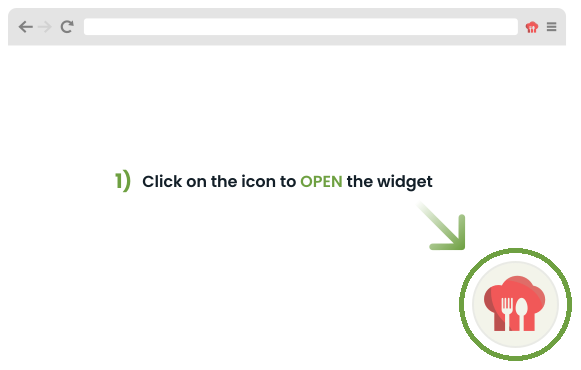
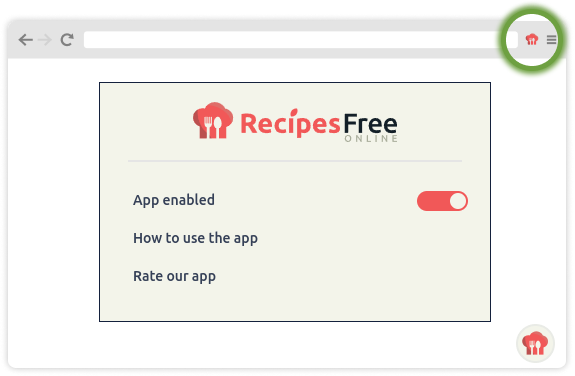
Open the Widget
Using the Widget
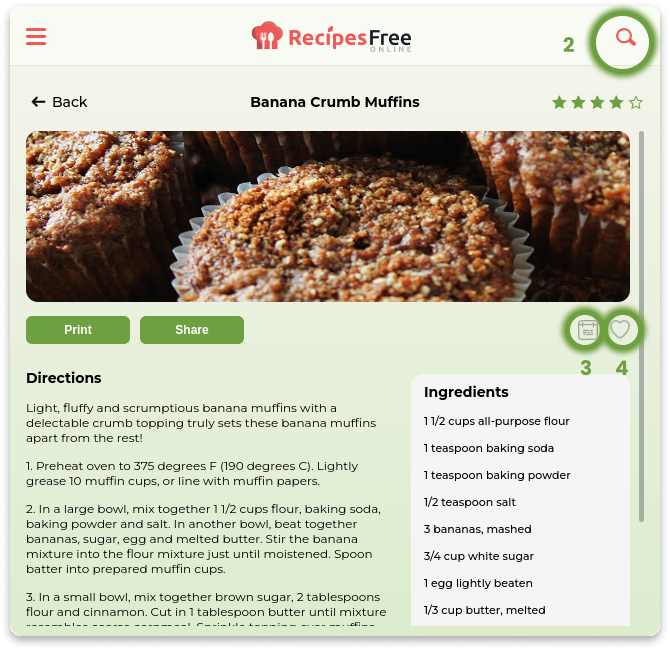
2) Search thousands of delicious recipes
3) Easily add recipes to your weekly meal planner
4) Save your favorite recipes to enjoy anytime
Additional Options
5) If you’d like to hide the widget icon, simply click on the settings gear and select the “Snooze” options
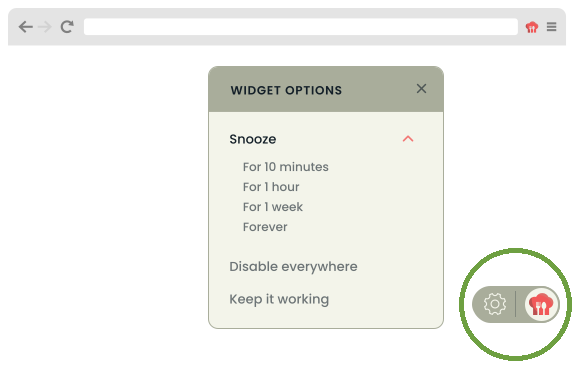
6) To reset your settings and re-enable, simply click on the browser icon and select “Enable Extension Everywhere”
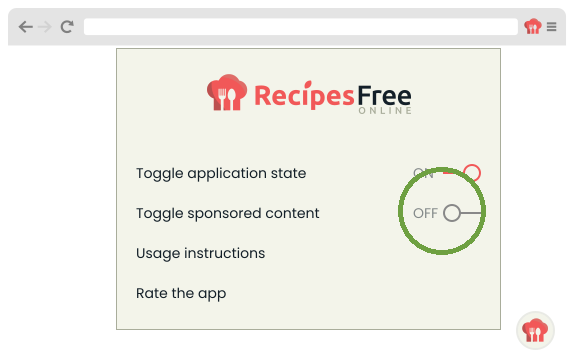
7) You can turn off sponsored content by setting “Toggle sponsored content” to Off.